
Field staff may occasionally experience issues with clocking in or out, and this guide will help you troubleshoot those problems. When issues occur, please ask staff to take a screenshot of the error and send it for review, as this will assist in resolving the issue more efficiently.
Outside of Geofence Radius:
If staff receive the "Out of Range" message when attempting to login confirm the following:
1. Staff is currently at the client home
2. Location tracking is enabled with mobile service or wifi
Solutions:
Verify client address- select edit profile and Addresses
View the map by selecting on the pin
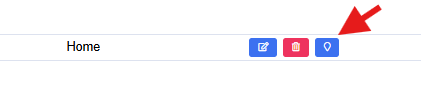
The pin may need to be moved slightly to the correct location, select Submit to save
Staff also have the option to clock in/out by using your agency IVR phone number from the client's home if they are unable to troubleshoot with you.
Incorrect Credentials
If staff receive an incorrect credentials message when attempting to log in, have them re-enter their login information. If the issue persists, proceed with the following steps:
1. Have staff reset their password using the Forgot Password option. Or you can send the email by selecting Edit Profile > Login Details > Reset Password
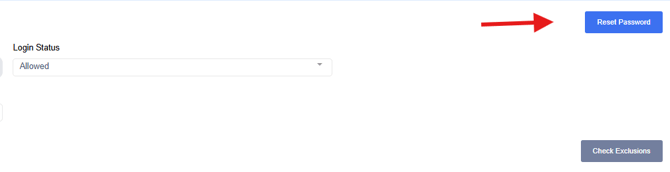
Once the staff resets the password, have them login as usual
2. At times our mobile apps needs data cleared to function properly. If step 1 does not work, instruct staff to clear app data and restart the device
iOS Mobile App How to Clear Data
If all steps are completed with resolution, please create a support case.