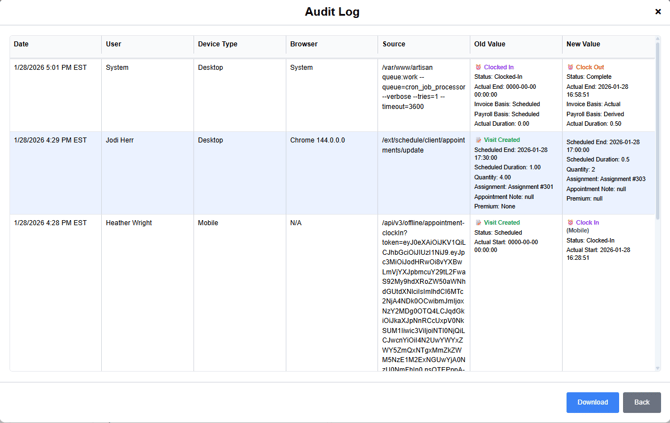
To access the Audit Log, select on the shift or Shift Details
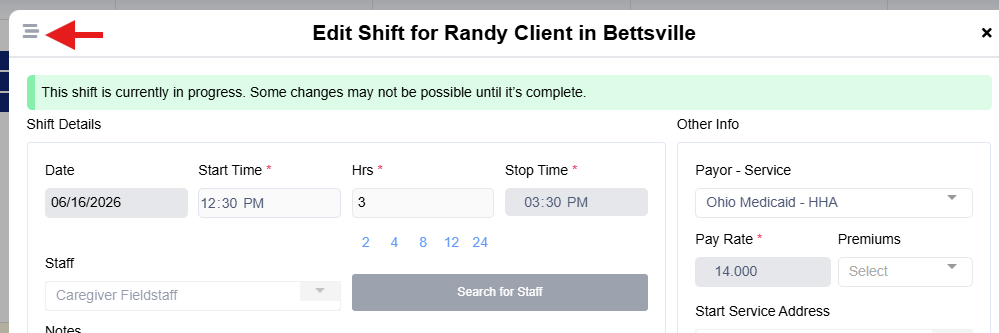
- Select the audit log at the top left of the shift details
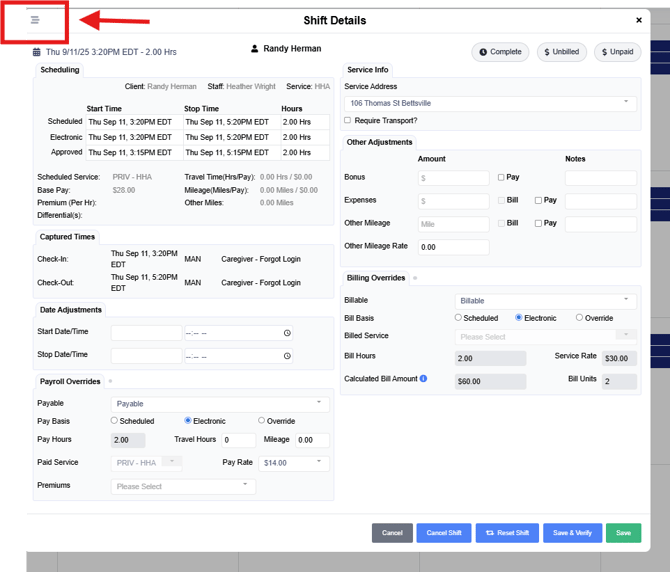
To view in within a shift, select Edit Shift
- The audit log will show you the changes made, the user who made it, as well as the values that were changed and clock-in and out information. This audit log will be available to users with the role of "Manager" in your site.