In eCaring, the Low Margin Scheduling Report is used to identify scheduled visits that may be generating little or no profit for the agency. It helps agencies monitor financial performance by comparing the payor reimbursement rate against the caregiver pay rate and any associated differentials or costs.
This article explains the Low Margin Scheduling Report and reviews the settings that affect how low-margin shifts are identified and displayed.
The Low Margin Scheduling Report helps agencies identify scheduled visits that may have reduced profitability based on the difference between the payor reimbursement rate and the caregiver pay rate. By monitoring low-margin shifts, agencies can make informed scheduling decisions, verify rate accuracy, and address potential financial concerns before visits are completed.
The reports can help :
- Identify visits with low profit margins or negative margins.
- Review which clients, payors, services, or caregivers are associated with low-margin shifts.
- Determine whether caregiver pay rates, shift differentials, or payor reimbursement rates need to be adjusted.
- Make informed scheduling decisions to improve overall profitability.
- Monitor trends and ensure services are being delivered in a financially sustainable manner.
Typically, a shift may appear on the report when:
- The caregiver's pay rate is close to or exceeds the reimbursement rate.
- Overtime or differential pay increases labor costs.
- An incorrect pay rate or billing rate has been entered.
- A service authorization or payor setup contains inaccurate rate information.
The report is especially useful for schedulers, payroll staff, and office managers because it provides visibility into the financial impact of scheduling decisions before payroll and billing are finalized.
How to Access Low Margin Information
Access the Schedule Dashboard

When you first access the Schedule Dashboard you will be directed to Low Margin Shifts for the next 7 Days
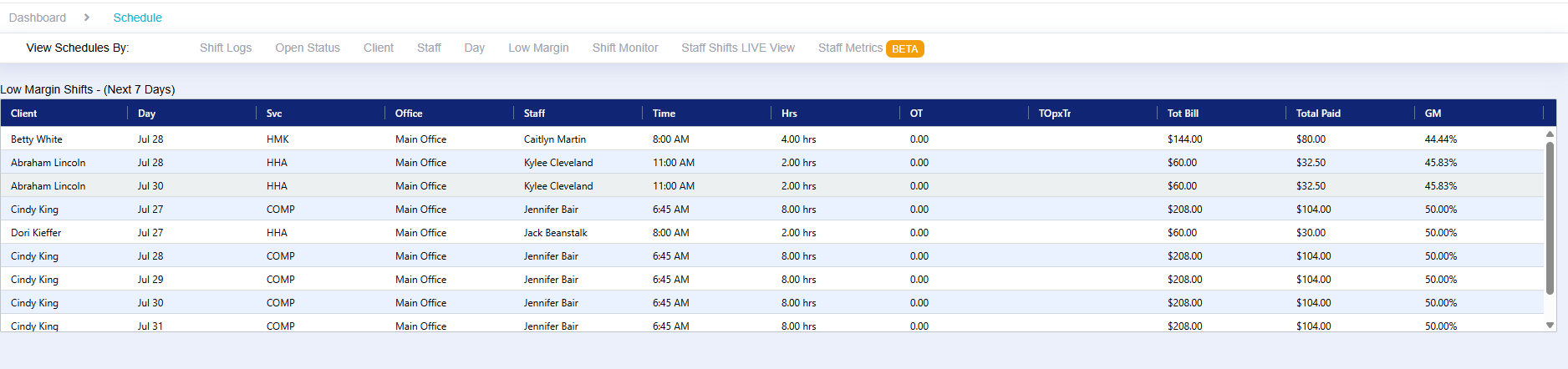
For additional Options select on the Low Margin Dashboard

In this area, you can define the shift date range for the report, specify the margin percentage threshold, and enable additional filtering options. These settings allow you to customize the report results and focus on shifts that fall below your agency's desired profit margin, helping you identify potential scheduling and profitability concerns more effectively.
Step 1: Select the date range
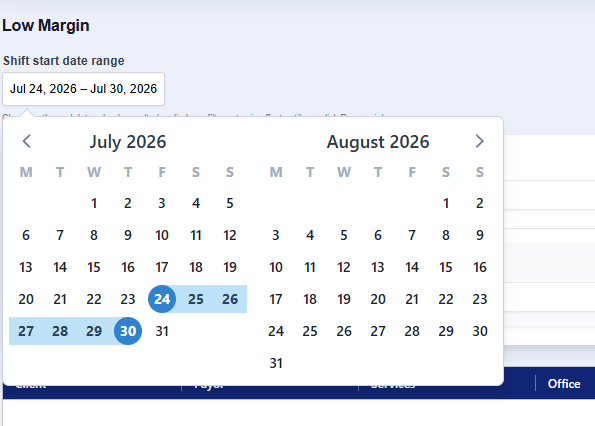
Step 2: Select the desired margin value and Run the report

How to Configure the Default Gross Margin Percentage
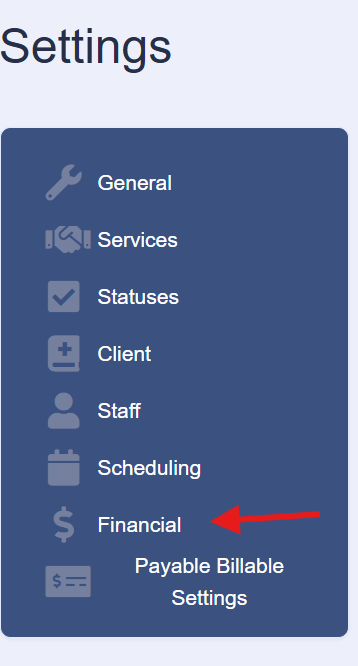
Select on System Settings and then on Financial
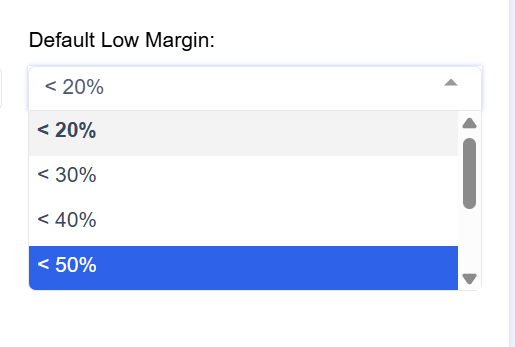
Locate the Default Low Margin Setting

Select the Desired Margin Percentage and Save Settings