
Navaigate to the client profile and select Edit Profile
Next select on Addresses, the address will need updated in this area
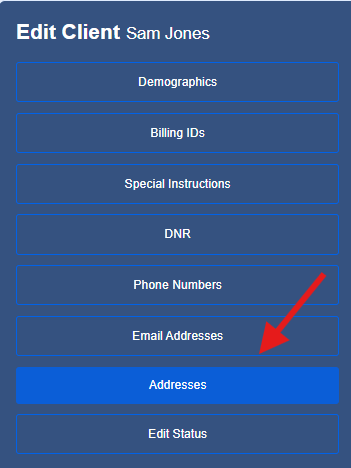
If you are updating a client's primary address, select the edit icon
 You can also select Add New to retain the previous address or to add a second service address.
Enter new address and select Service address
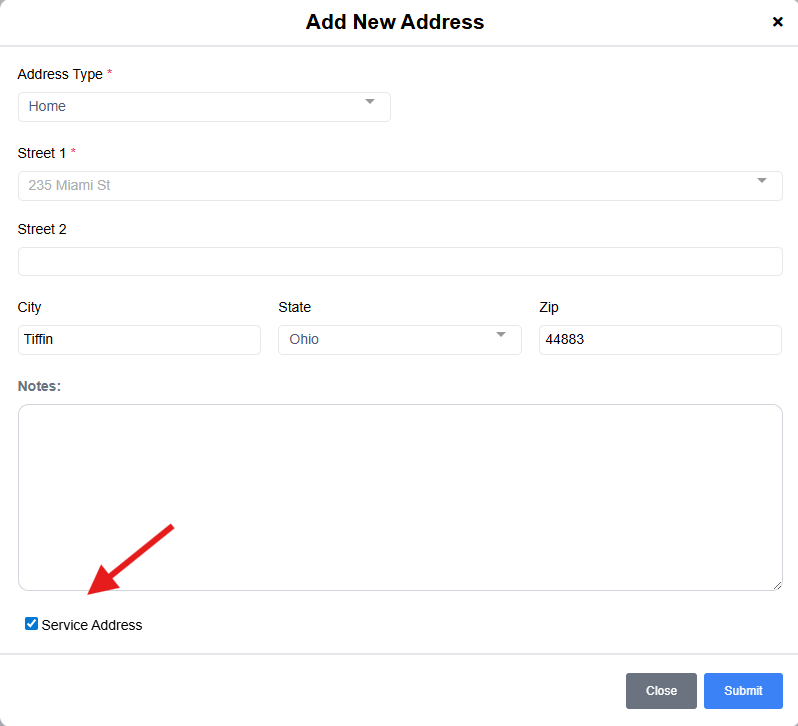
If you are changing the Primary address while adding an additional address be sure to check the Primary Resisence check box as well
Primary Residence: this is the address that will be used on invoices
Service Address: this address is populated in the schedule as well as used for the geofencing for clocking in and out of visits
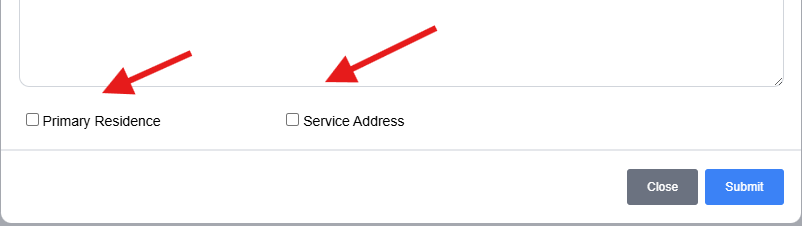
Please note: If you do not select Primary and/or Service address the Demographics section of the profile will be blank.