
To move a shift to an Open status, navigate to the client's schedule.
Click the blue Edit button using the hover method or the edit icon in the grid
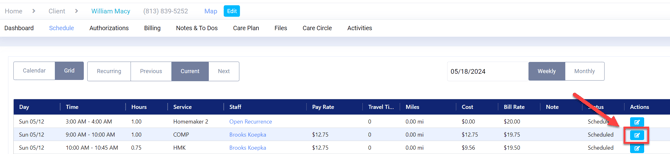
This will open the Edit Shift window.
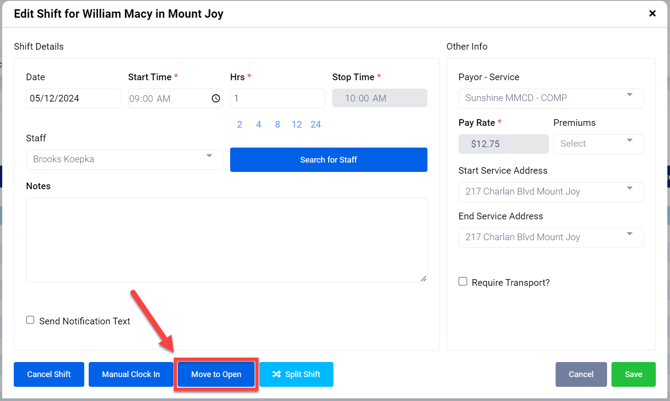
Click Move to Open
The Edit Shift Window will automatically close and update the shift.
The shift is now labeled Open Fill-In.