
Exporting a report from the Reports Dashboard is an easy right-method within the report.
Right-click anywhere within the report or table you want to export.
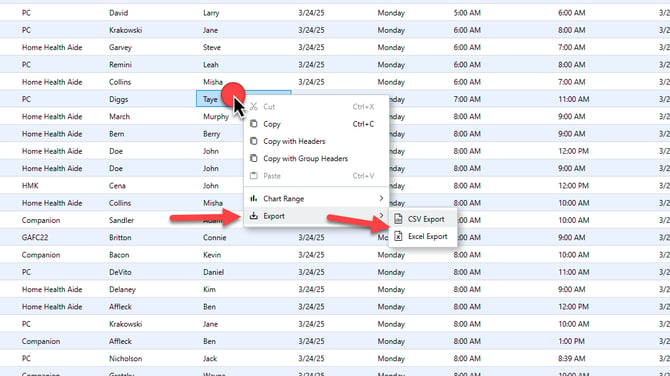
Select Export from the menu that pops up when you right-click.
Select CSV Export or Excel Export. (CSV is recommended.)
Check your browser's recently downloaded files to open the newly exported file.
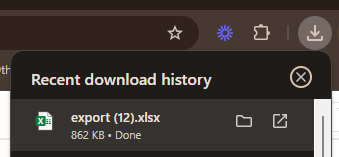
It is recommended you save this file to your desktop.