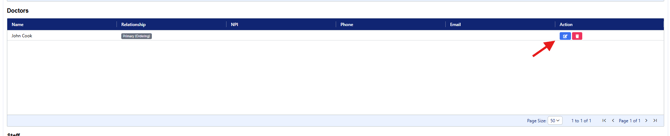
In order to add a Doctor to the Client Care Cirlce, the Doctor will need to be added in the Admin Dashboard.
Step 1: Select Doctors
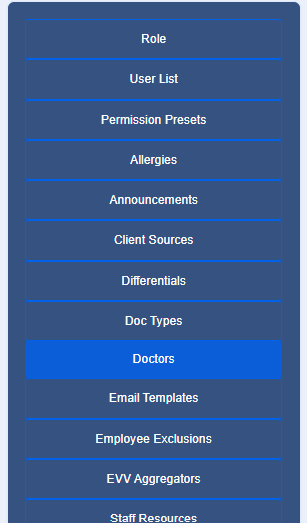
Step 2: First, review the Doctors listed to ensure a duplicare profile will not be entered

If the Doctor is not listed, select "Add New" and complete the required information. While only a first and last name is required, adding in additional details will allow the contact information to be easily accessed from the Client's Care Circle.
Note: If using EVV you will want to include the NPI
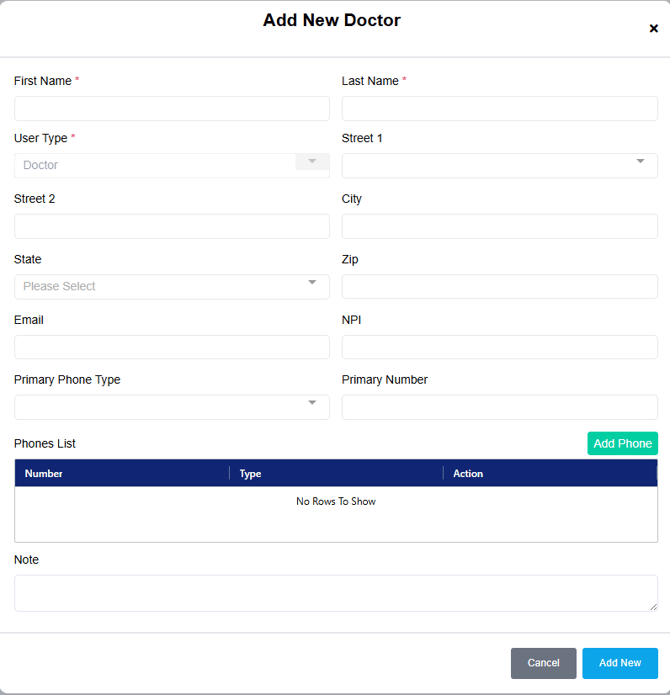
Select Add New to save
Step 3: Access the Client's Care Circle and select Add to Circle
In the Relationship drop-down menu, select Doctor
Select on Person Name and begin typing the Doctor's name, options will then populate. Select directly on the Doctor's name
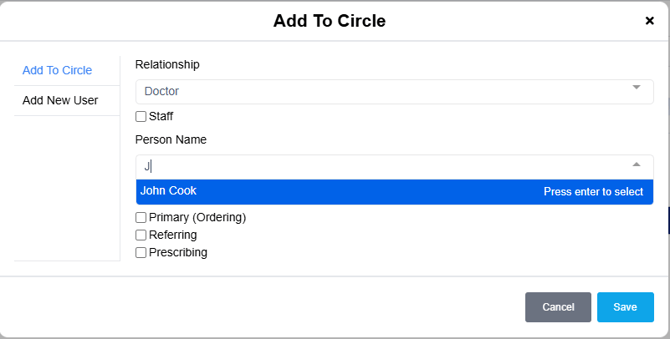
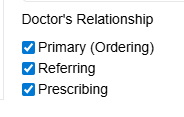
Define the relationship by selecting on the appropriate relationship
Select Save
You will now see a Doctors section. To review the contact information, select edit and edit user.