
Availability
On the left-hand side of their profile, select Edit next to Availability.
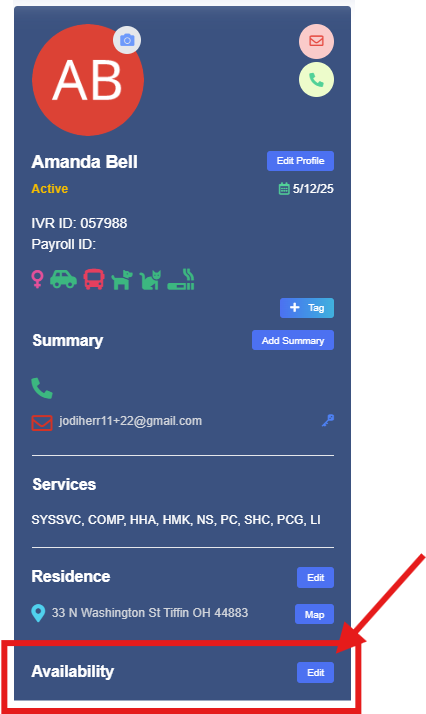
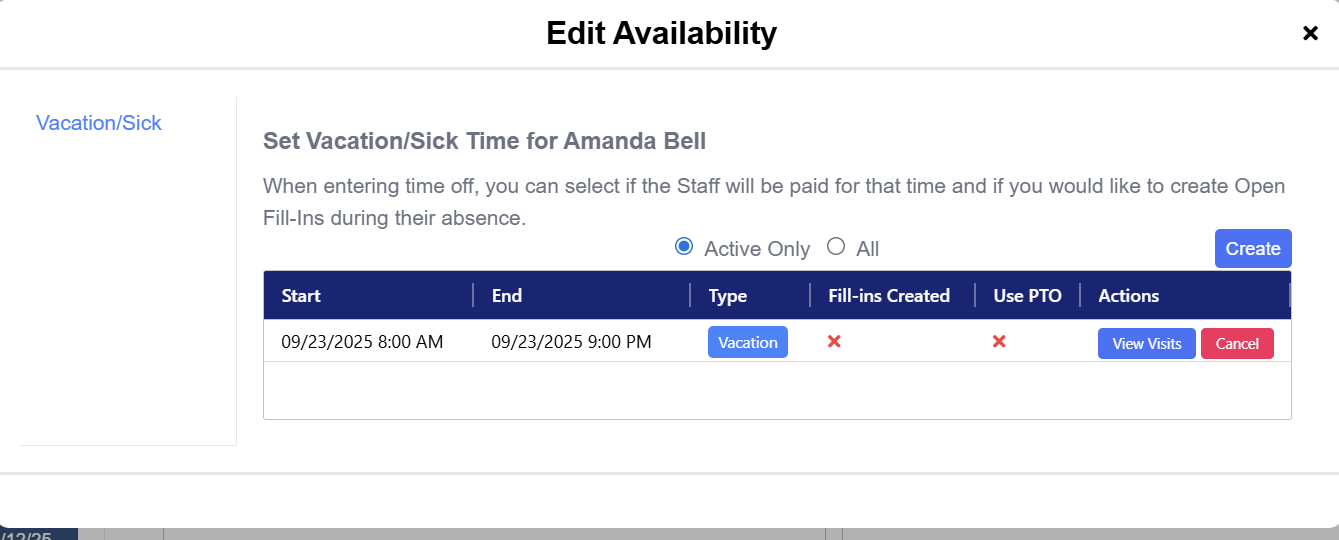
This will open the Edit Availability window. Availability = when your staff is unavailable to work.
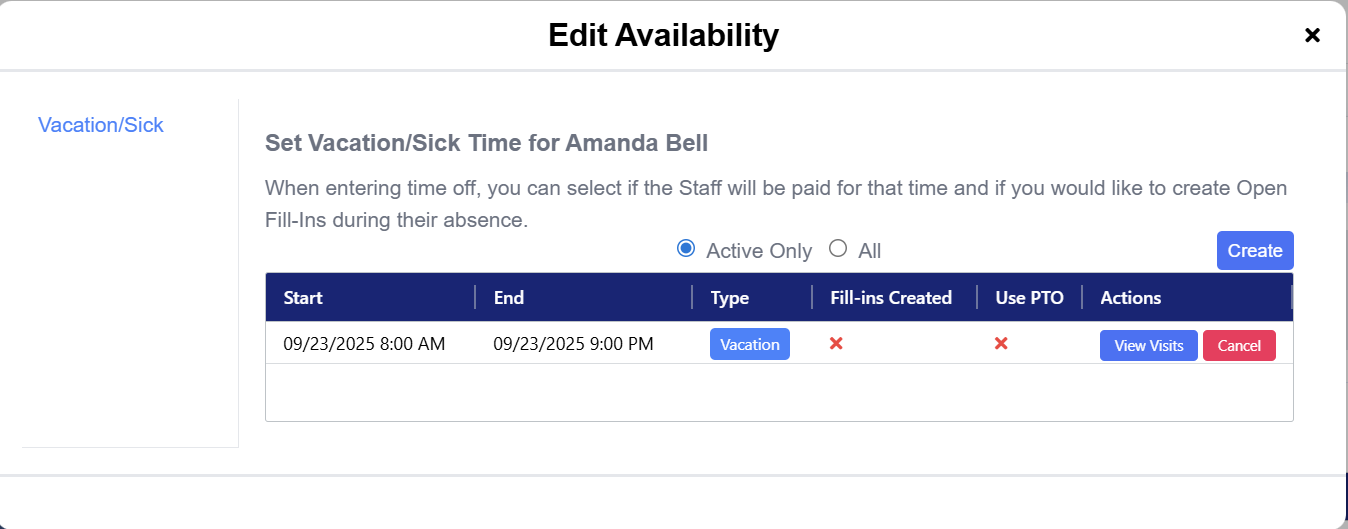
To Enter Vacation/Sick Time
Step 1: Select Create

Step 2: Select the start date and end date
Step 3: Select the time range
Step 4: Select Sick or Vacation and the additional details area
Step 5: Submit to Save
Approved time will then be added to the list
Adjust Time Off Balance
To adjust the time off balance according to the time being taken off, scroll down to Additional Details on the left hand menu in the staff profile.
Click Edit next to Sick Balance or Vacation Balance.

This will open the window to manually add or reduce hours.
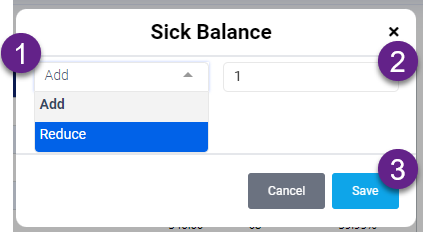
Step 1: Select to Add or Reduce hours
Step 2: Enter the amount of hours to be added or reduced
Step 3: Click Save
The totals will be automatically updated according to what you entered.