Configuring Alerts
To configure alerts, navigate to Admin > Alerts and Notifications.
Each alert type can be enabled or disabled using the toggle switch in the upper-right corner of each section.
Billing Alerts: Alerts users of billing processing notifications
Payroll Alerts: Alerts users to payroll processing notifications
Authorizations Expiring Alerts: Allows notification alerts when authorizations are expiring
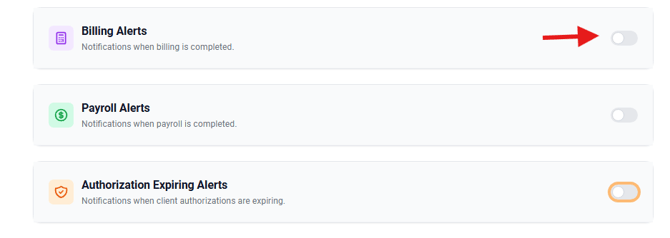
Once the alert is enabled, select the roles in which you would like to receive notifications in the global notifications dashboard.
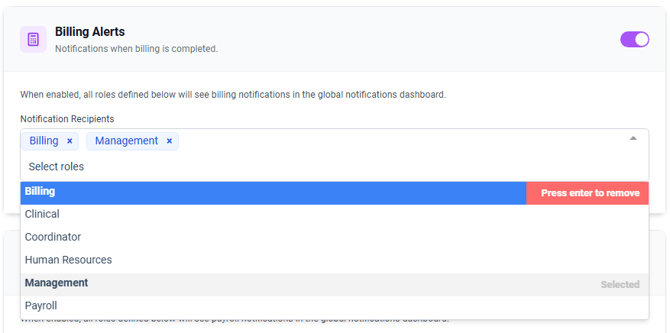
For Authorizations Expiring Alerts, select the Notification Recipients and determine if the primary scheduler or primary nurse should also receive notifications by selecting the box and the corresponding roles


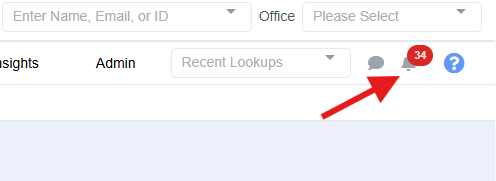
Once configured, alerts will display as pop-up notifications for billing and payroll, and will also appear in the notifications icon for all other alert types.